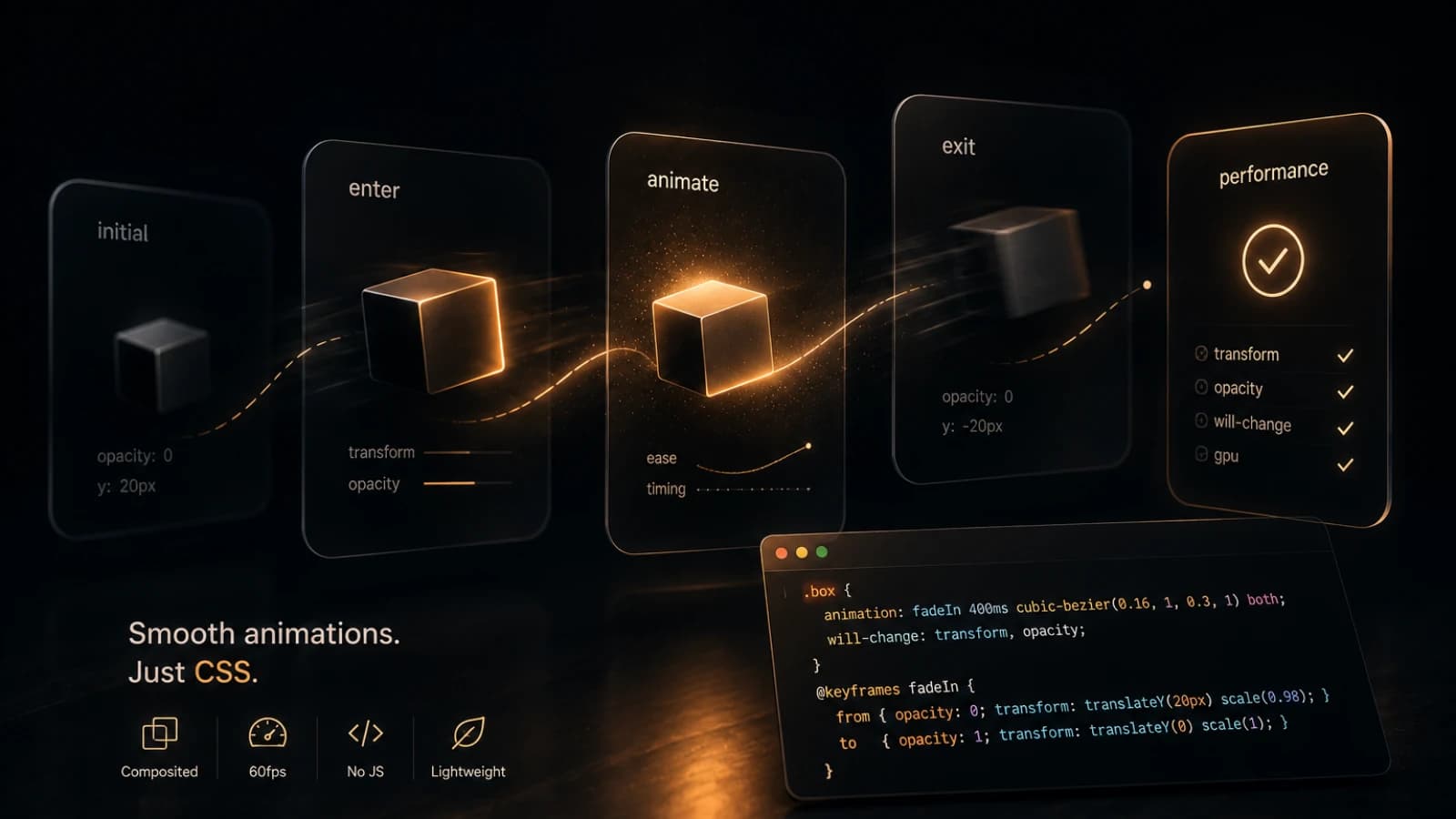
Framer Motion is great. I used it for a year on my personal site and it worked perfectly — smooth animations, declarative API, stagger effects with almost no code. But at some point I opened Lighthouse and saw that the library alone was adding ~40KB to the bundle. For a personal site with a few page transitions and entrance animations, that felt like too much.
So I decided to remove it entirely and rewrite everything with native CSS.
What I was replacing
The animations on the site were:
- Page transition —
AnimatePresencemotion.mainwithopacityandyon enter/exit
- Section entrance —
motion.sectionwithinitial/animate/exitand a configurabledelayprop - Text animation — custom
AnimateTextcomponent that split text into words and animated each one - Stagger lists —
motion.ulwithstaggerChildreninvariants - Scroll-linked parallax —
useScrolluseTransformon the greeting block
All of that had to go.
Page transitions
The hardest thing to replicate natively is page exit animations. Framer Motion
gives you AnimatePresence which keeps the old page mounted until its exit
animation finishes. CSS has no equivalent.
I made a pragmatic call: keep enter animations, drop exit animations. On a personal site nobody notices the exit. Here's what the enter looks like:
@keyframes pageEnter {
  from {
    opacity: 0;
    transform: translateY(12px);
  }
  to {
    opacity: 1;
    transform: translateY(0);
  }
}

.main {
  animation: pageEnter 0.4s ease both;
}
To re-trigger the animation on route change I pass key={pathname} to the
wrapper component. React remounts the element, the animation fires again.
Stagger without a parent component
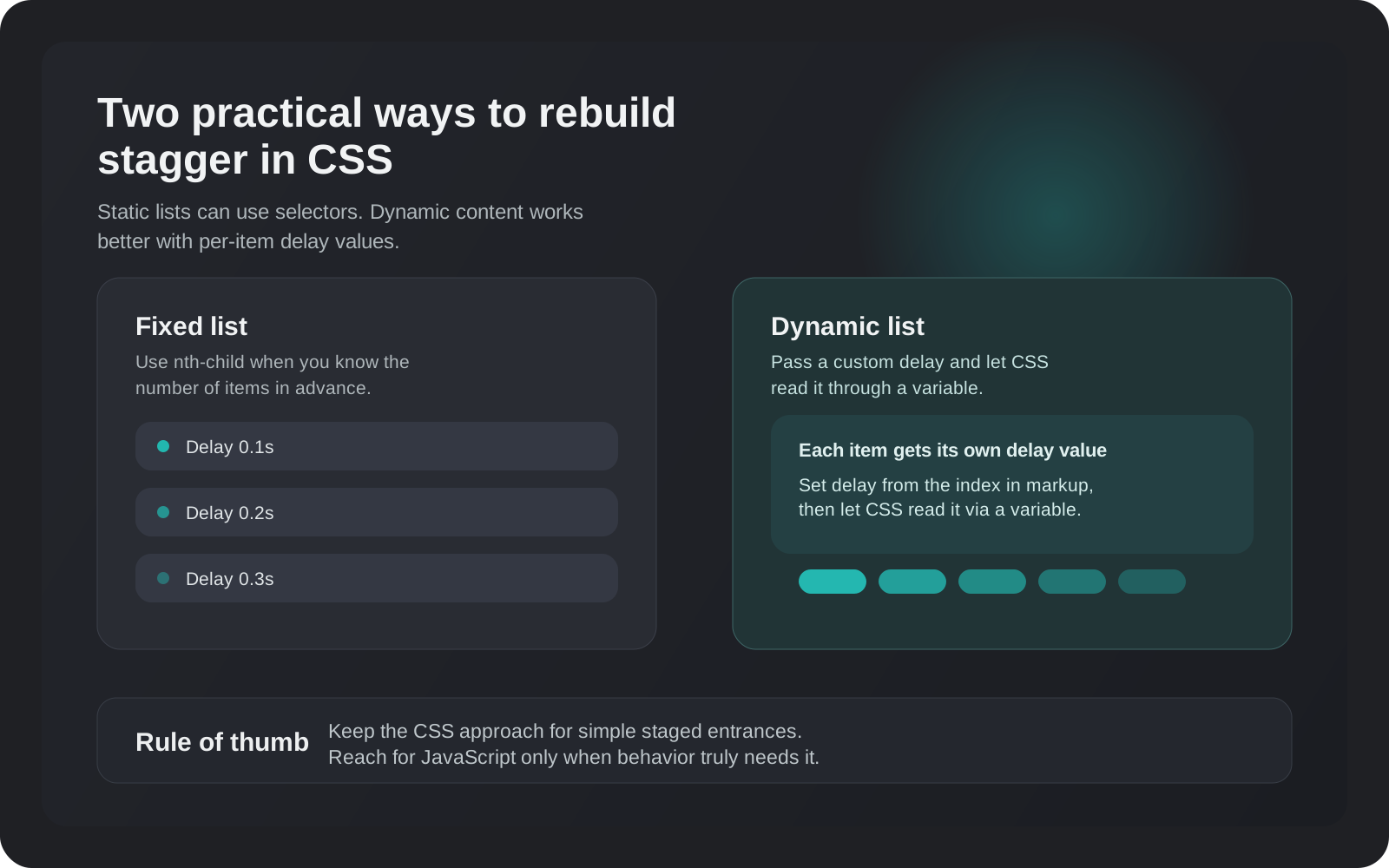
Framer Motion's staggerChildren works by having a parent motion component
that delays each child. In pure CSS you can do the same with :nth-child:
.item:nth-child(1) {
  animation-delay: 0.1s;
}
.item:nth-child(2) {
  animation-delay: 0.2s;
}
.item:nth-child(3) {
  animation-delay: 0.3s;
}
But that only works if you know how many items there are. When the list is
dynamic I pass an index prop down and set animationDelay inline:
<div
  className={styles.item}
  style={{ animationDelay: `${0.1 + index * 0.1}s` }}
>
Not as elegant, but it works for any length list.
Text animation with CSS custom properties
The AnimateText component split text into <span> elements per word and
animated each with a stagger. I kept the same idea but moved the delay into a
CSS custom property:
words.map((word, i) => (
  <span
    key={i}
    className={styles.word}
    style={{ '--delay': `${i * 0.06}s` } as React.CSSProperties}
  >
    {word}
  </span>
));
.word {
display: inline-block;
animation: textSlideUp var(--duration, 0.5s) ease both;
animation-delay: var(--delay, 0s);
}CSS custom properties flow through the cascade so you can set them inline and read them in any nested selector. Very clean.
Scroll-linked parallax
This one I had to do in JavaScript anyway since CSS scroll timelines don't have
broad enough browser support yet. I replaced useScroll + useTransform with a
plain scroll listener:
useEffect(() => {
  const handleScroll = () => {
    const progress =
      window.scrollY / (document.body.scrollHeight - window.innerHeight);
    el.style.transform = `translateY(${progress * 200}px)`;
  };
  window.addEventListener('scroll', handleScroll, { passive: true });
  return () => window.removeEventListener('scroll', handleScroll);
}, []);
The key detail: { passive: true }. Without it the browser can't optimize
scrolling because it has to wait for your handler to potentially call
preventDefault(). With it, scroll is butter smooth.
Results
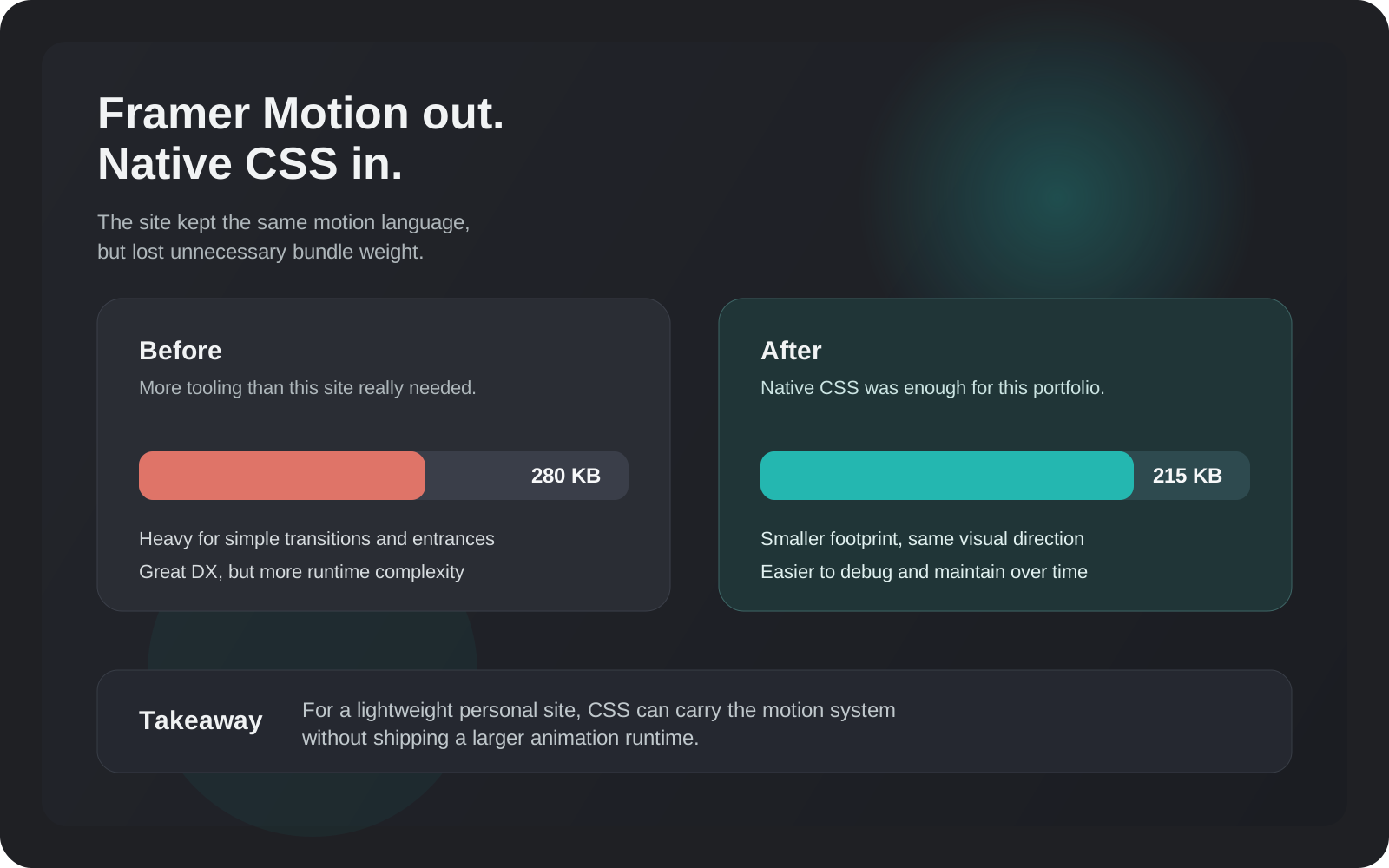
The bundle went from ~280KB to ~215KB for the main page. Not revolutionary, but the site feels noticeably snappier on slow connections. More importantly — there are fewer moving parts. When something breaks I know exactly where to look.
Would I recommend this approach for a product with complex animations? No. Framer Motion earns its weight when you have shared layout animations, drag interactions, or physics-based spring effects. But for a portfolio site with simple entrances and transitions, native CSS is more than enough.
Discussion
Responses
No approved responses yet.