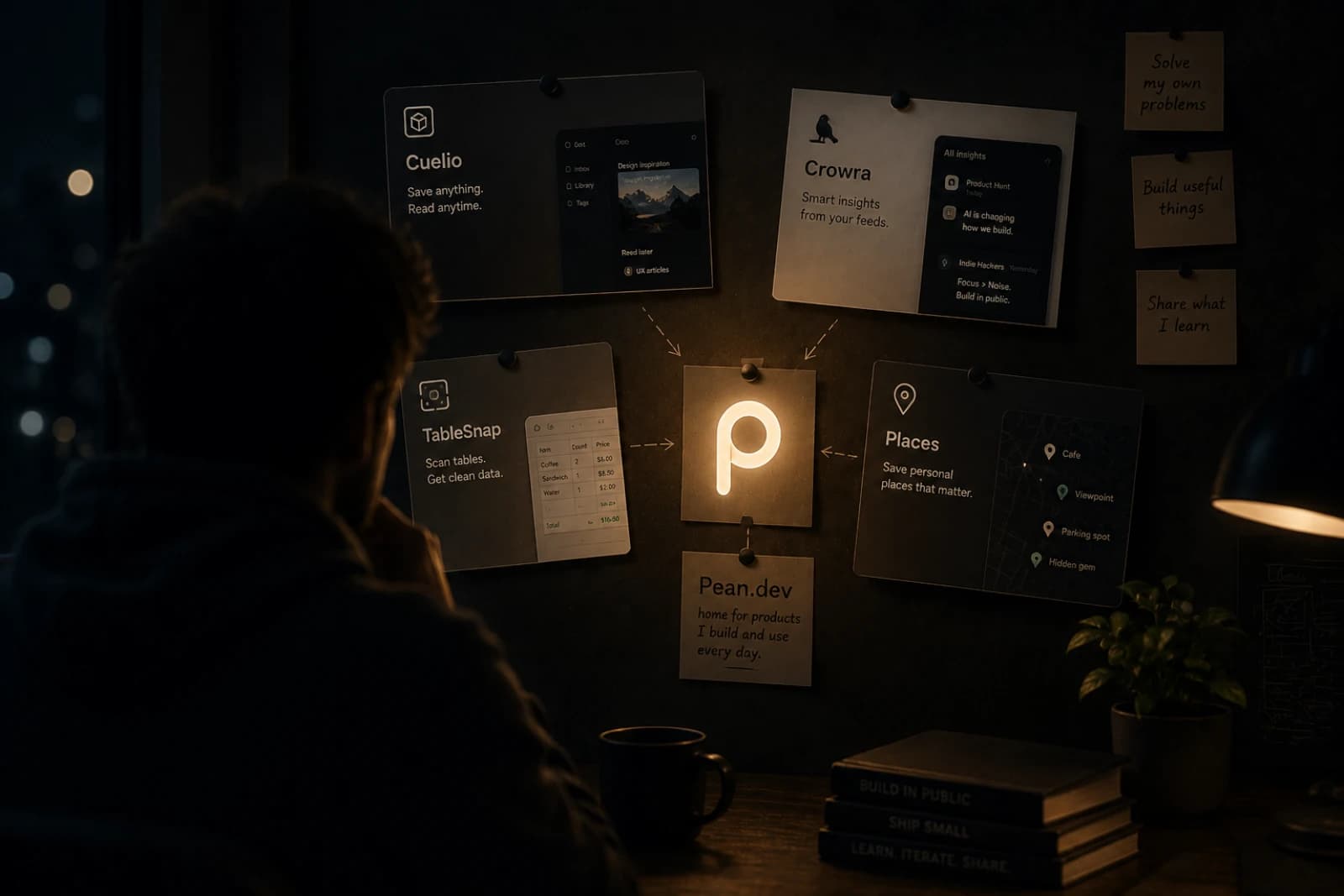
Pean is a private map app for saving places that matter. It helps people save places on a map, keep private spots organized, share locations with friends when they want to, and return to personal discoveries later.
It is especially useful for people who want a personal map app for outdoor scenarios: fishing spots, mushroom places, berry locations, hidden trails, herbs, landmarks, and other saved places that are meaningful mainly to them.
This article is still the story of how the idea started, but it also answers a more practical question: what is Pean, who is it for, and why does it exist when products like Google Maps already exist?
If you want to see the product itself, start here:
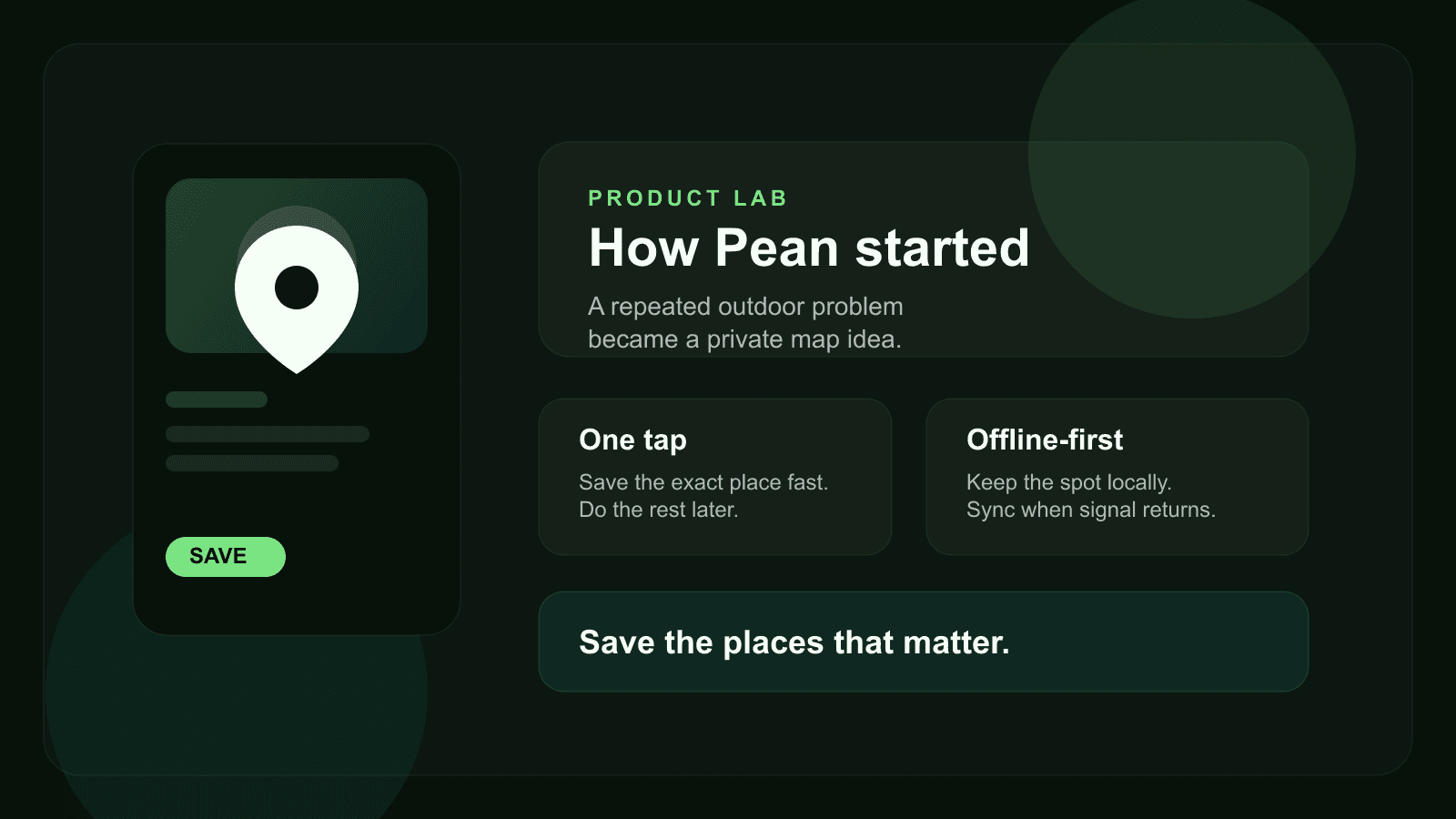
What is Pean?
Pean is a private map app built for saving personal places, organizing them by category, and coming back to them later.
The simplest way to describe it is this:
- save places on a map in one tap
- keep private places private by default
- organize saved places with notes, categories, and media
- share locations with friends or small groups on your terms
- keep working even when mobile signal is unreliable
That makes Pean different from a general map or navigation app. It is not about finding every place in the world. It is about building a personal map of places that matter to you.
Who is Pean for?
Pean is useful for people who repeatedly discover places they want to keep:
- anglers who want to save fishing spots
- hikers who want to keep trail markers and return points
- travelers who want private travel locations
- mushroom and berry pickers who want to organize discoveries on a map
- anyone who wants to save personal spots without mixing them into public maps
In short, it is for people who need an app to save places on a map without turning those places into public bookmarks.
The problem that started the product
Pean did not start with the idea of building yet another map app. It started with a more practical question: how do you avoid losing a place that matters to you?
Not a business listing you can search again later. Not a public point of interest. A real personal spot:
- a fishing place
- a mushroom patch
- a berry location
- a quiet turn on a trail
- a useful landmark
- a place you know you want to revisit
The problem is that these moments usually happen in imperfect real-world conditions:
- your hands are busy
- the weather is not ideal
- there is no signal
- you do not want to open a complex app
- you need the exact point, not a vague memory
That is why the core product question became much clearer:
How do you save places fast, keep them private, and still trust that they will be there when you need them later?
Why Pean instead of Google Maps?
This is one of the most important SEO and product questions, so it is worth answering directly.
Google Maps is excellent for search, public places, route planning, and navigation. But it is not primarily built as a private places app for personal spots, fishing spots, or small-group location sharing.
Pean is different because it focuses on a narrower but very real job:
- save places on a map that matter to you personally
- keep those places private by default
- organize saved places by category and context
- share locations with friends selectively
- return to your own spots instead of searching public listings again
So the correct framing is not “Pean replaces Google Maps.”
The better framing is:
Google Maps helps you find places in the public world. Pean helps you keep places in your personal world.
From WildSpot to Pean
Inside the codebase and earlier product thinking, the name WildSpot appears. That name fit the earliest shape of the product because the first use cases were strongly tied to outdoor discovery: places you find in the wild and want to remember.
Over time, the concept became broader.
The early scenarios still mattered:
- save fishing spots
- save mushroom places
- save berry locations
- save herbs, landmarks, and return points
But the deeper use case was not limited to one niche. The real product was becoming a personal map app for meaningful places. That broader direction is why the public brand became Pean.
Why the idea only worked if saving was fast
The product would not make sense if saving a place felt slow.
If the flow requires too many taps, too much attention, or a stable connection, the place is already easy to lose. That is why Pean had to be designed around speed first:
- discover a place
- save the exact location immediately
- add context later if needed
This is also where the “one tap” logic became central. Pean is not just an app to organize saved places. It is an app built around the exact moment when a place needs to be captured before it disappears from memory.
Why Apple Watch became important
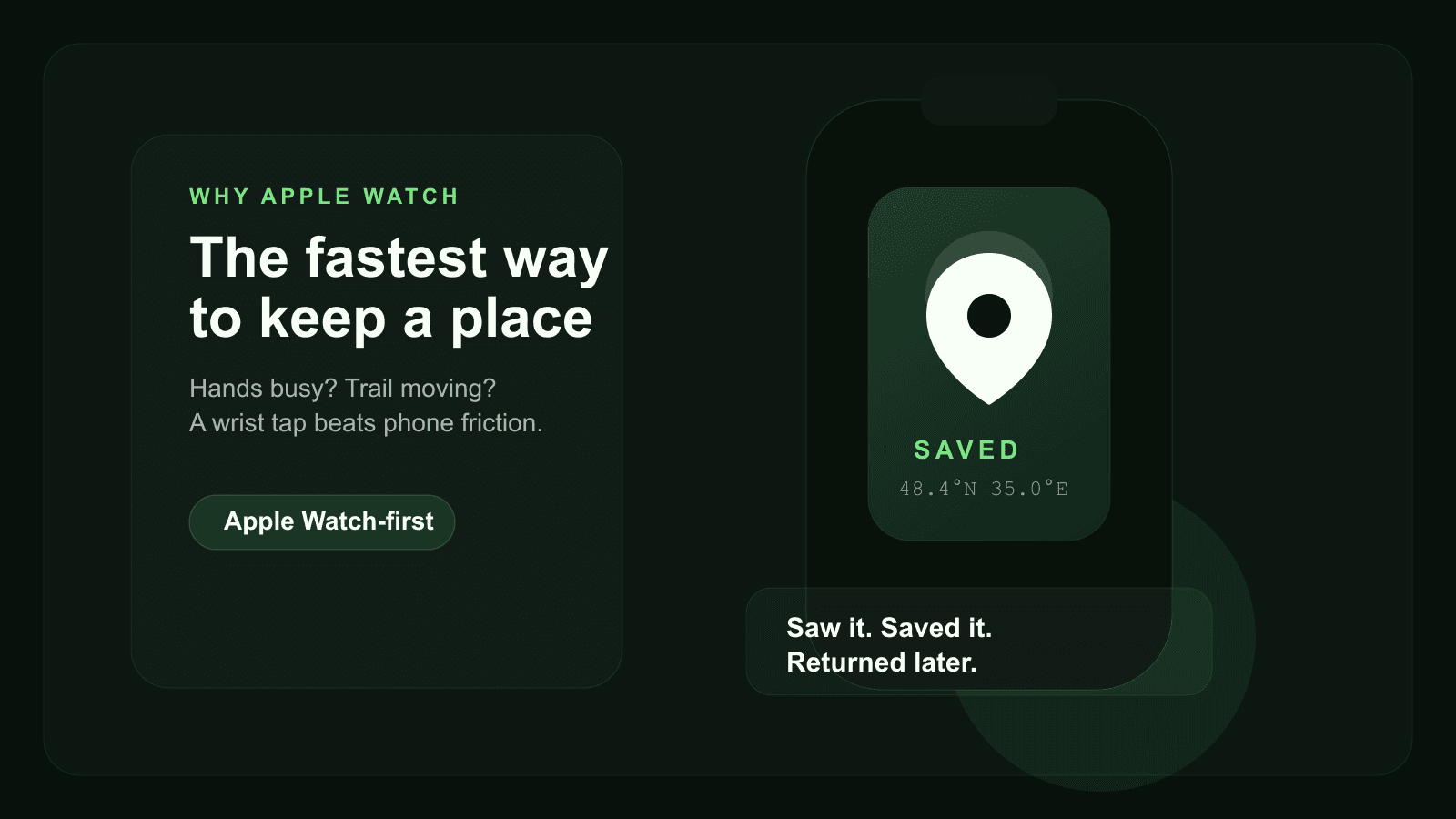
One of the strongest product ideas behind Pean is that Apple Watch is not treated as a side feature. It is treated as one of the fastest ways to save places on a map.
That matters because in real outdoor situations, reaching for a phone can be friction. Reaching for your wrist is often faster.
According to the current public positioning on pean.me, the watch flow is intentionally simple: save the GPS point quickly, queue it locally if needed, and sync later.
That choice says a lot about the product. Pean was shaped around the real capture moment, not around a generic feature list.
Offline and privacy were not secondary features
Two things had to be part of the core product from the beginning: offline-first behavior and privacy by default.
That is because the most valuable saved places are often the least connected:
- forest paths
- quiet travel locations
- fishing spots
- seasonal mushroom areas
- places outside strong mobile coverage
If a product fails there, it becomes hard to trust.
Privacy matters for a similar reason. Many places are valuable precisely because they are personal. Some are useful. Some are seasonal. Some are shared only with close friends. Some should stay yours.
That is why Pean makes more sense as:
- a private map app
- a tool for organizing saved places
- a way to share locations with friends selectively
instead of a public social map.
Real use cases for Pean
If someone searches for an app to save places on a map, they usually want a concrete scenario, not an abstract category.
These are some of the clearest use cases for Pean today:
- Save fishing spots and keep them organized by season, note, or category.
- Keep private travel locations that are meaningful to you but not meant for public lists.
- Share locations with friends in a closed group instead of posting them publicly.
- Organize saved places like landmarks, herbs, berry locations, and return points.
- Build a personal map app workflow around discovering, saving, and revisiting places.
That mix of private saving, categorization, and selective sharing is what gives the product its own space.
What Pean already offers today
The story is useful, but it matters just as much to explain what the product actually gives users now.
Today, the Pean direction already includes:
- Apple Watch capture
- iPhone spot management with photo, note, and category
- a web map for browsing saved places
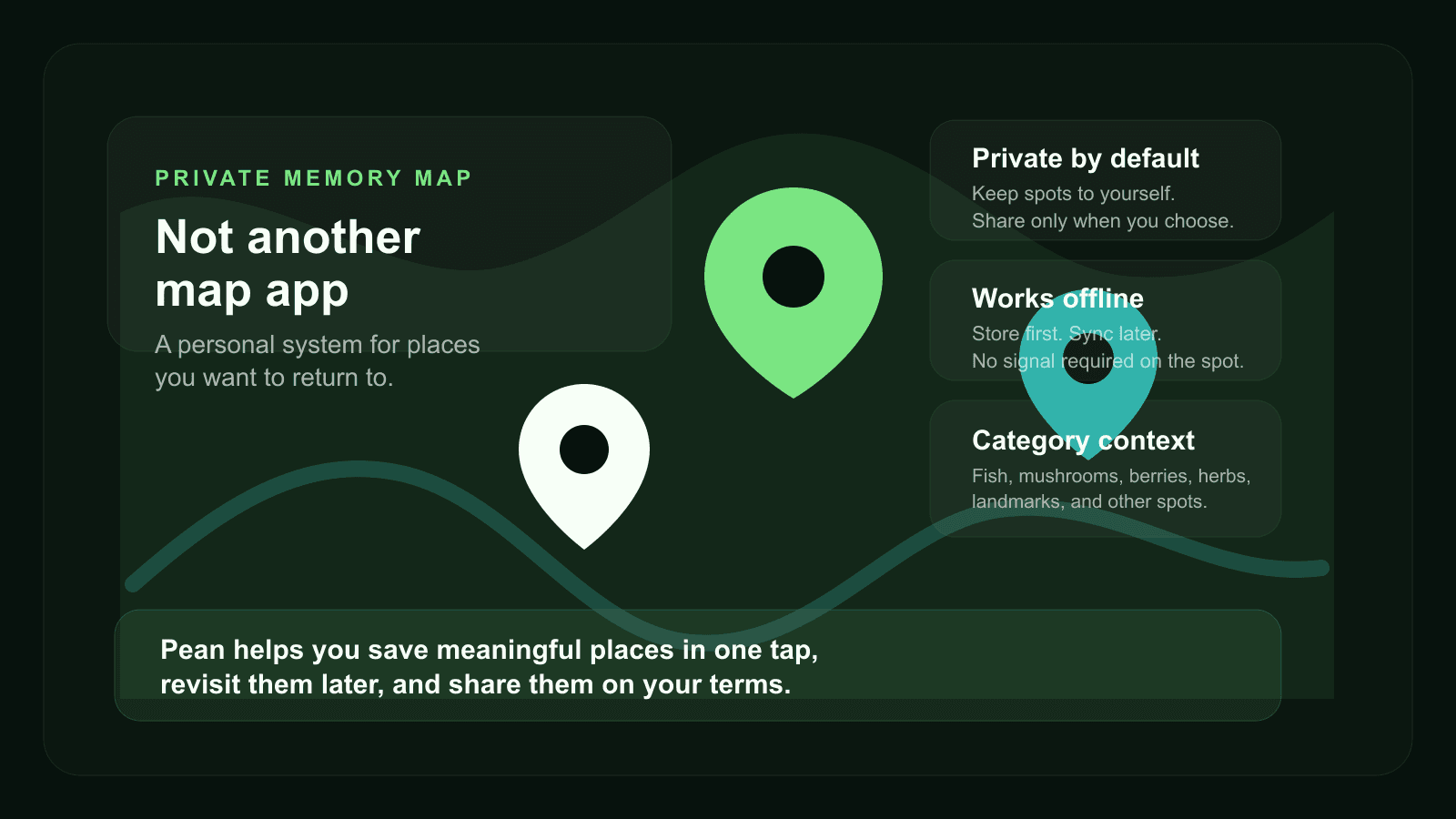
- categories such as fish, mushrooms, berries, hunting, herbs, landmarks, and other
- private spots and selective sharing
- offline-first saving with sync later
You can see the current product framing here:
The deeper product idea
The longer Pean exists, the clearer its category becomes.
It is not just a notes app with coordinates.
It is not just another map.
It is not only an outdoor utility.
It is a private memory map: a product for saving places, organizing discoveries, and coming back to them later.
That is why the story matters. The product did not start from a trend. It started from a repeated behavior that existing tools handled poorly.
FAQ
What is Pean?
Pean is a private map app for saving meaningful places, organizing personal spots, and sharing locations with friends on your terms.
Can I save private places on a map with Pean?
Yes. Pean is built around private places by default, so saved spots can stay personal until you decide to share them.
Can I share locations with friends privately?
Yes. Pean supports selective sharing and group access, so you can share places with trusted people instead of posting them publicly.
Is Pean an alternative to Google Maps for personal spots?
Yes, in the sense that it covers a different job. Google Maps is for search and navigation. Pean is for saving personal spots, organizing discoveries, and returning to meaningful places.
Can I use Pean to organize fishing spots?
Yes. Fishing spots are one of the clearest use cases, together with mushroom places, berry spots, herbs, landmarks, and other personal discoveries.
What comes next
This is the first article in the Product Lab series on pean.dev. The next posts can go deeper into:
- the earliest MVP shape
- why categories mattered from the beginning
- how offline sync changes trust
- how group map sharing fits the product
- how Apple Watch influenced architecture and UX priorities
If you want to follow both the product and the build process, start with the blog index and Pean itself.
Discussion
Responses
No approved responses yet.