Copying tables from websites into spreadsheets or docs usually means broken formatting, noisy columns, and manual cleanup right when you need structured data fast.
Browser extension / Web table workflows
TableSnap
A local-first browser extension for detecting web tables, cleaning messy extracts in preview, and exporting usable data as CSV, TSV, Markdown, HTML, or JSON.
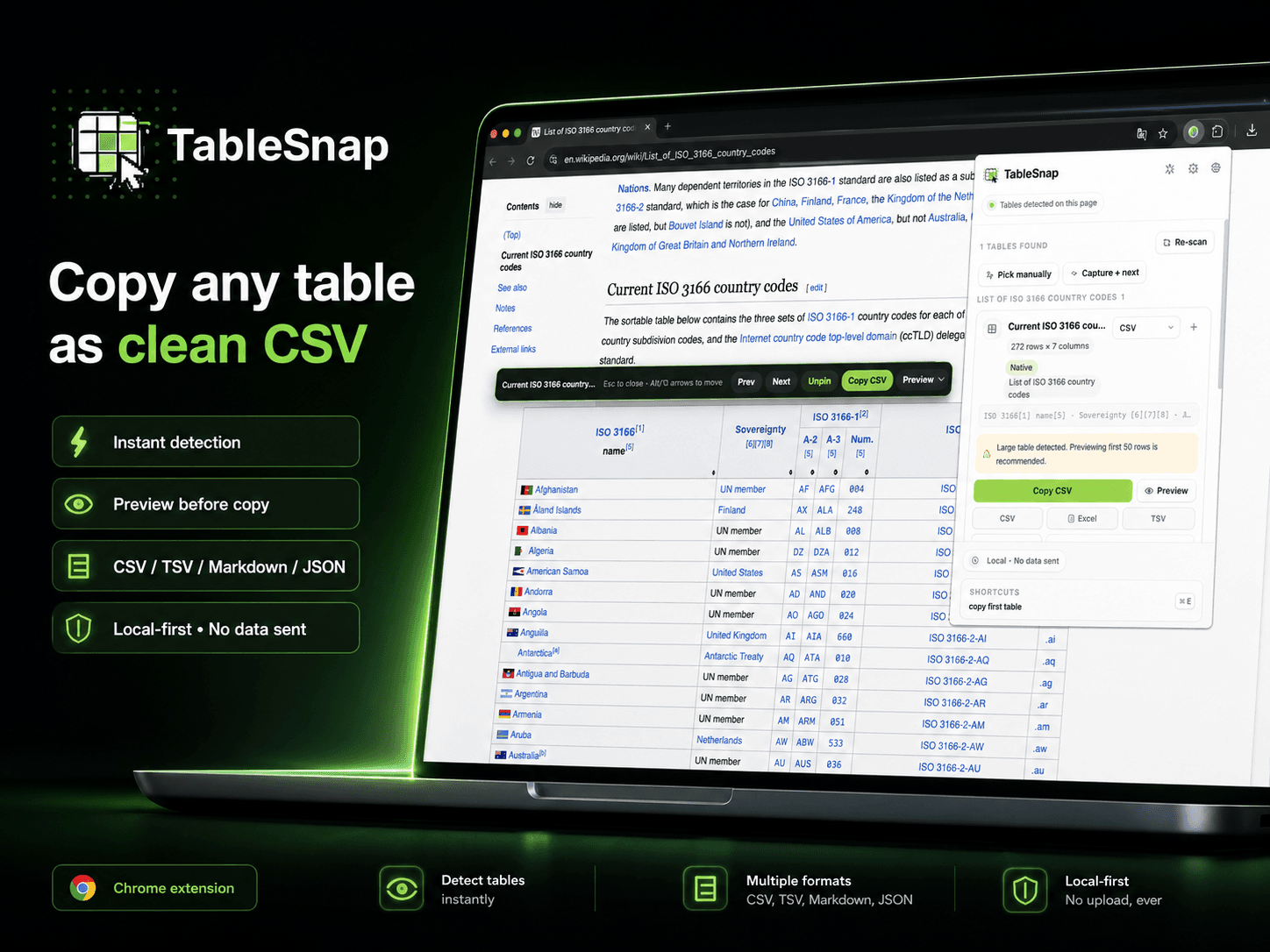
A focused browser workflow that keeps table capture beside the page, handles messy real-world table patterns, and exports clean data for Excel, Sheets, Notion, Airtable, Markdown, or JSON workflows.
Context
What this project is
TableSnap is a browser extension for people who move structured data from webpages into spreadsheets, docs, databases, and research workflows.
Approach
How I shaped it
I shaped it around a compact three-step flow: detect the table on the live page, clean the extracted structure in preview, and export in the format the destination expects.
Decisions
Product and engineering choices
Support more than textbook HTML tables, including ARIA grids and supported layout-based comparison tables.
Keep the workflow local-first so extracted data, presets, and site-specific recipes stay in the browser.
Optimize exports for real destinations like Excel, Google Sheets, Notion, Airtable, Markdown docs, and JSON automation.
Delivered
What the case includes
Browser extension for web-table capture
Preview editing and cleanup workflow
CSV, TSV, Markdown, HTML, and JSON export formats
Landing page, FAQ, changelog, and privacy-ready product surface