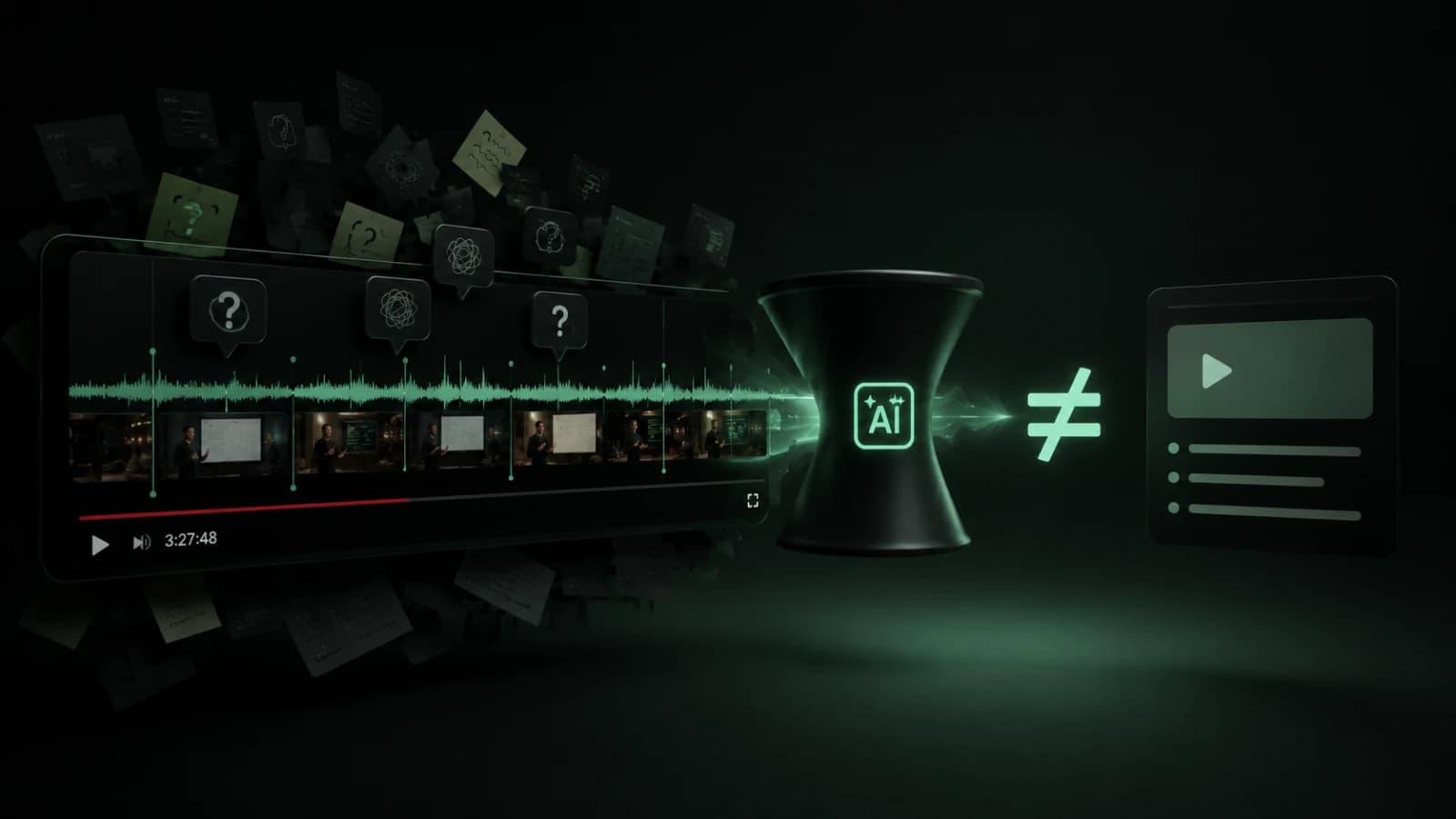
AI summaries are useful.
I use them. I understand why people want them. If a YouTube video is 48 minutes long and you only want a rough idea of what it covers, a good summary can save time.
But the more I work with long videos, tutorials, interviews, technical talks, product reviews, and research-heavy content, the more I notice the same thing: a summary is only one layer of the problem.
Sometimes I do not need a shorter version of the video.
I need to find the exact moment where something is explained. I need the timestamp. I need the original context. I need to check what the speaker actually said. I need to search the transcript. Sometimes I also need to see whether people in the comments corrected something, shared a link, added a warning, or asked the same question I had.
That is a different workflow.
It is not only about summarizing YouTube videos with AI. It is about making long videos searchable, inspectable, and easier to return to.
That is the thinking behind Cuelio, a YouTube extension I am currently testing. I do not want it to be another AI YouTube summarizer. The first version is focused on transcript search, timestamped AI answers, comment search, saved videos, and transcript export.
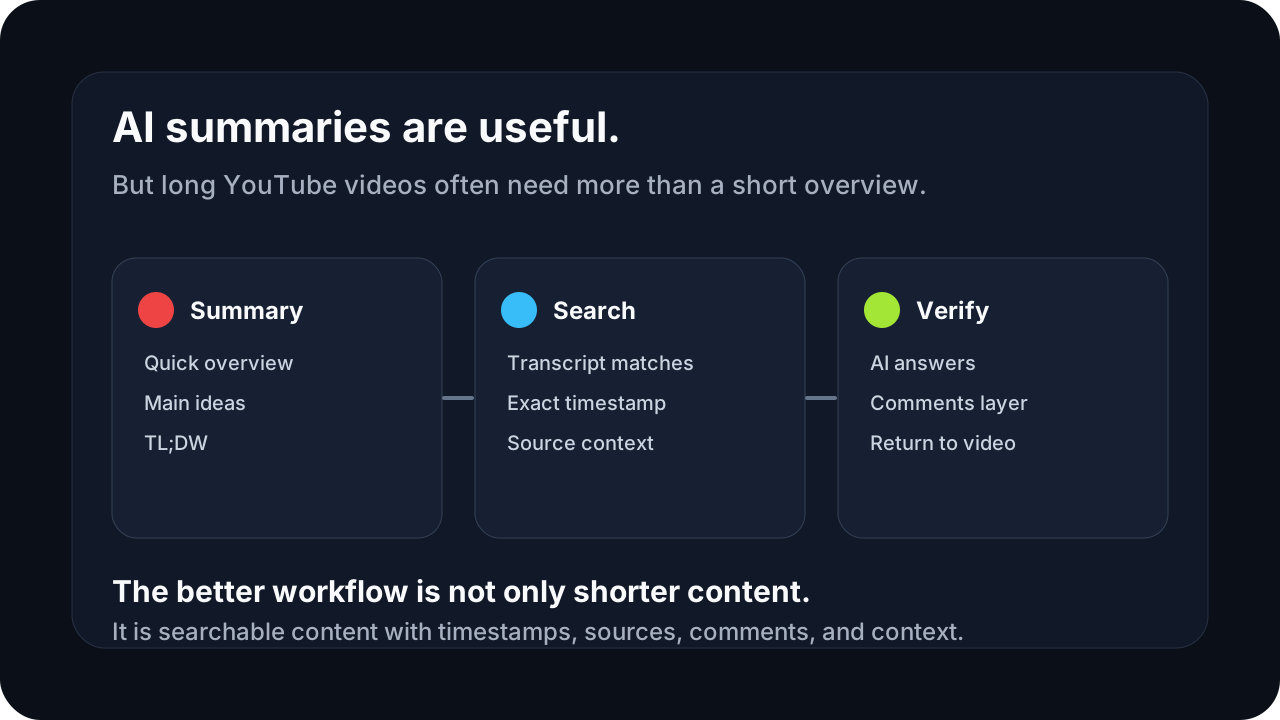
Summaries solve only one part of the problem
A summary is good when the question is broad.
For example:
- What is this video about?
- Is this worth watching?
- What are the main points?
- Can I get a quick overview before spending time on it?
That is a valid use case.
The problem starts when people expect a summary to solve every long-video workflow.
A summary flattens the content. It compresses the video into a few paragraphs or bullets. That can be helpful, but it also removes a lot of the structure that makes the original video useful: timing, order, emphasis, examples, small details, and the ability to verify the answer.
For some videos, that does not matter much.
For others, it matters a lot.
If I am watching a programming tutorial, I do not only want to know that the author talked about authentication. I want to find the exact part where they explain the bug with cookies, headers, middleware, or callback URLs.
If I am watching a product review, I do not only want “the product is good but has trade-offs.” I want to find the moment where the reviewer talks about battery life, build quality, software issues, or long-term use.
If I am watching a lecture, I do not only want the topic list. I may need the definition, the example, or the part where the lecturer compares two ideas.
A summary gives me the shape of the content.
Search gives me access to the content.
That distinction is important.
Long videos are often search problems
The longer the video, the more it starts to behave like a small knowledge base.
A one-hour interview, a course lesson, a conference talk, or a technical walkthrough can contain dozens of useful moments. The value is not always evenly distributed. Sometimes only three minutes matter to me. Sometimes I remember a phrase but not the timestamp. Sometimes I watched the video last week and want to return to one section without scrubbing through the timeline again.
This is why “search inside YouTube video” is a more interesting problem than it first looks.
The user does not always want an AI-generated answer immediately. Sometimes the user wants to search the YouTube transcript first, see matching lines, and jump to the right moment. That is a simpler, more transparent workflow.
I think a good AI YouTube extension should respect that.
AI should not be the first answer to every problem. Sometimes plain transcript search is faster, cheaper, and easier to trust.
That is one of the product decisions I care about with Cuelio: search first, AI when the question needs context.
A summary removes the path back to the source
This is the part that bothers me most about many AI summary tools.
They produce a clean answer, but they often make it harder to inspect the source.
For casual browsing, that might be fine. For learning, research, technical work, or decision-making, it is not enough.
If an AI answer says that the video recommends a specific approach, I want to know where that came from. Was it stated directly? Was it inferred? Did the speaker qualify it? Did they mention an exception ten seconds later?
Without a path back to the original moment, the answer becomes harder to trust.
That is why timestamped answers matter.
A timestamp is not just a convenience feature. It is part of the trust model.
When an AI answer points back to the exact part of the video, the user can verify it. They can listen to the original wording. They can check the context around the answer. They can decide whether the AI understood the video correctly.
For me, that is the difference between an AI feature that feels useful and one that feels like a black box.
Timestamps are not a bonus feature
A lot of tools treat timestamps as a nice extra.
I see them as part of the interface.
Long videos are temporal content. The timeline is the source structure. If a tool ignores that structure, it loses one of the most important ways users navigate the video.
A good timestamped workflow should let the user move between three states:
- The question or search query.
- The relevant answer or transcript match.
- The exact moment in the original video.
That loop matters.
Search result → timestamp → video moment.
AI answer → source timestamp → video moment.
Comment result → surrounding discussion → video context.
This is also where AI product design gets practical. It is not only about model quality. It is about whether the interface helps the user understand and verify the result.
For long YouTube videos, I do not think AI answers should float separately from the video. They should stay connected to the transcript, timestamps, and original source.
Transcript search is different from summarization
Transcript search and summarization solve different problems.
Summarization says:
“Here is what the video is mostly about.”
Transcript search says:
“Here are the exact places where your topic appears.”
Both are useful. But they should not be treated as the same feature.
If I search for “pricing,” “OAuth,” “camera overheating,” “protein intake,” “Next.js caching,” or “export settings,” I do not necessarily want the AI to rewrite the whole video for me. I want matches. I want context around those matches. I want timestamps. I want to decide which part to open.
This is why I like the search-first approach.
It keeps the user in control.
The AI can still help, especially when the question is more complex. But the basic layer should be searchable and inspectable before it becomes generative.
That is also better for performance. Searching a transcript is usually much cheaper and faster than sending a large amount of text to a model. For an early product, those details matter.
Comments can be part of the knowledge layer
YouTube comments are messy.
They can be noisy, repetitive, and sometimes useless.
But for many types of videos, they are also valuable.
In technical tutorials, comments often contain fixes, version updates, errors people hit, or alternative approaches. In product reviews, comments often include long-term user experience. In educational videos, someone may add a correction or a better explanation. In creator videos, the discussion can reveal what people actually cared about.
That makes comment search more than a convenience.
If I am researching a video, I do not always want to scroll through hundreds or thousands of comments. I want to search them. I want to find whether someone mentioned a specific tool, issue, feature, mistake, link, or follow-up question.
This is one of the reasons I want Cuelio to include YouTube comment search as part of the workflow.
Not because comments should replace the transcript.
Because they can add another layer of context around the video.
For some use cases, the comments are where the practical reality shows up.
AI answers need grounded context
The most useful AI answer is not always the most confident one.
It is the one that can show where it came from.
For a YouTube video, that means grounding the answer in the transcript and connecting it to timestamps. If the answer is based on a specific part of the video, the user should be able to jump there.
This matters because long videos create a lot of room for misunderstanding.
A model can compress too much. It can miss a condition. It can blend two parts of the video together. It can turn a small example into a general recommendation. It can answer in a way that sounds right but is hard to verify.
The interface should make verification easy.
That is why I think AI answers for YouTube videos should be designed less like chat messages and more like source-linked navigation.
The answer is useful.
The source is what makes it trustworthy.
Context optimization matters more than it sounds
One of the technical decisions behind Cuelio is context optimization.
Long YouTube videos can contain thousands of words. Sending the entire transcript to an AI model for every question is the lazy solution. It can work for a prototype, but it is not always the best product decision.
It can be slower.
It can be more expensive.
It can be less predictable.
It can also make the answer worse if the model receives too much irrelevant context.
For an early product, this matters a lot. If every user question becomes expensive and slow, the product becomes harder to test, harder to price, and harder to scale.
So the better question is not “how much context can I send?”
The better question is:
What is the smallest useful context the model needs to answer this question well?
That is the direction I am thinking about with Cuelio. Find the relevant transcript parts first. Keep the answer grounded. Avoid sending unnecessary text. Make the product faster and cheaper without making it feel worse.
This is also the kind of AI engineering decision that often gets hidden behind the word “AI.”
From the outside, a feature looks simple: ask a question, get an answer.
Inside the product, the important work is deciding what context the model sees, how the user verifies the output, and how the system stays fast enough to feel useful.
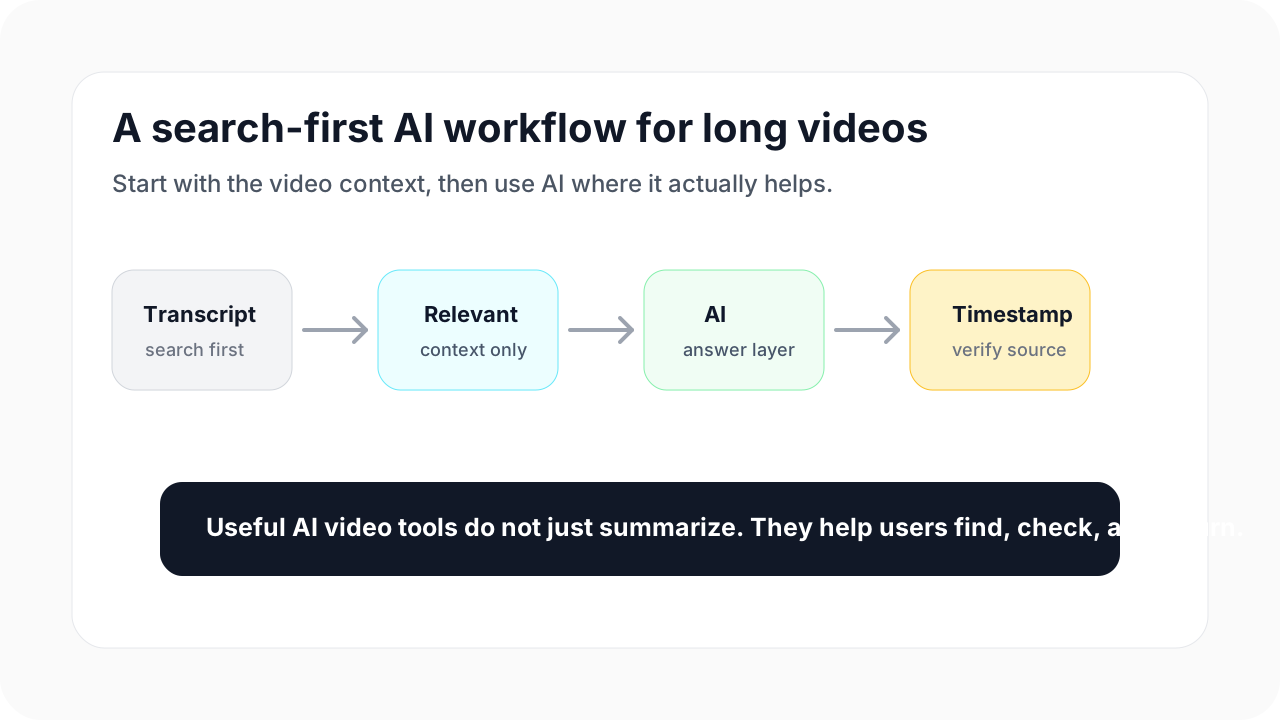
How this thinking shaped Cuelio
Cuelio is still in the final testing stage, so I am intentionally keeping the first version focused.
The goal is not to ship every possible AI feature at once.
The goal is to make one workflow reliable:
- search the YouTube transcript;
- ask AI questions based on the video content;
- connect answers back to timestamps and sources;
- search comments without endless scrolling;
- save useful videos for later;
- export the transcript when needed.
That is enough for a first version.
I do not want to position Cuelio as a generic AI summarizer. I also do not want the first version to pretend it can do everything: full comment analytics, automatic transcript generation for every possible video, large account systems, or a complete research platform.
Those things may become useful later.
But early products need focus.
For Cuelio, the focus is simple: turn YouTube into something closer to a searchable knowledge base.
Not by replacing the video.
By making the useful parts easier to find, ask about, verify, and return to.
What this means for AI product design
The bigger lesson for me is that AI features should not start with the model.
They should start with the workflow.
For long YouTube videos, the workflow is not always “summarize this.” Sometimes it is:
- find the exact explanation;
- check the original wording;
- jump to the right timestamp;
- search a phrase in the transcript;
- ask a question that needs context;
- inspect the comments;
- save the video for later;
- export the transcript into another tool.
Once that workflow is clear, AI becomes easier to place.
It does not need to do everything. It needs to help at the right moment.
That is the product direction I care about more and more: AI that stays close to the user’s context, reduces friction, and makes the output easier to verify.
Cuelio is a small product, but the same decisions show up in client work too.
When I build custom AI features, browser extensions, internal tools, or product workflows, the hard part is rarely “connect an AI API.” The hard part is deciding what the user actually needs, what context the system should use, where the answer should appear, how the user verifies it, and how to keep the product fast and affordable enough to use.
That is where AI product engineering becomes interesting.
Not in making everything shorter.
In making the right information easier to find.
Discussion
Responses
No approved responses yet.